
Loitering
- Zones drawn on the camera picture
- Possible loitering, then an alert
- Passers-by not flagged
- Always on or on a schedule
AI Watch · Loitering detection
For fences, gates, back doors and loading areas — a warning when someone stays in a zone you draw, an alert if they are still there, on the cameras you already have.
Loitering detection · perimeters
Draw a zone along a fence line, a gate or a back door. AI Watch sees everyone who walks through, but flags only a person who stays: first as possible loitering, then as a loitering alert. Each alert lands in the feed with how it ended, and reports show which areas see the most lingering.
100% real AI Watch software, running in real time Only the camera footage is AI-generated — for the demo, and to protect people’s privacy.
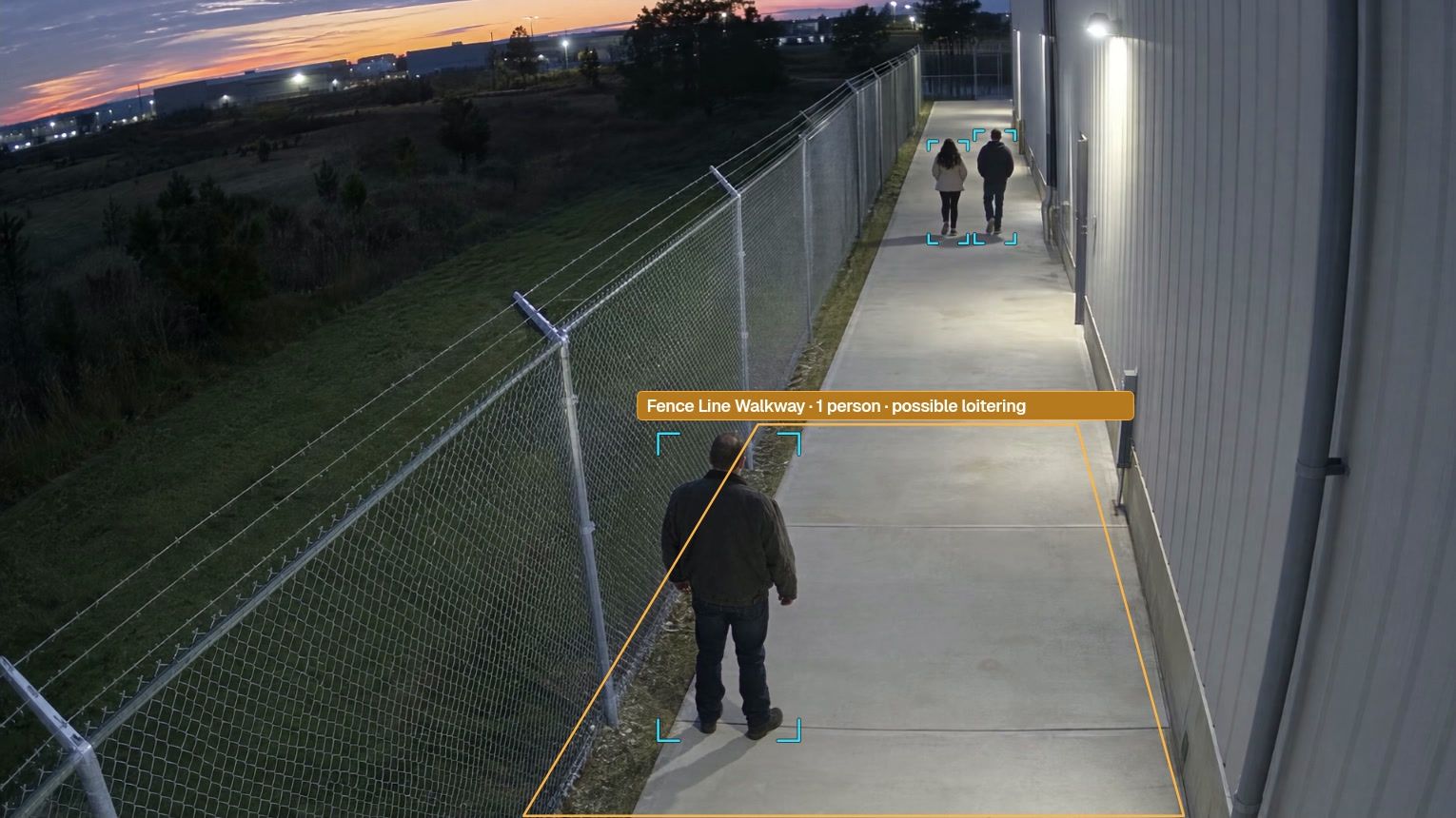
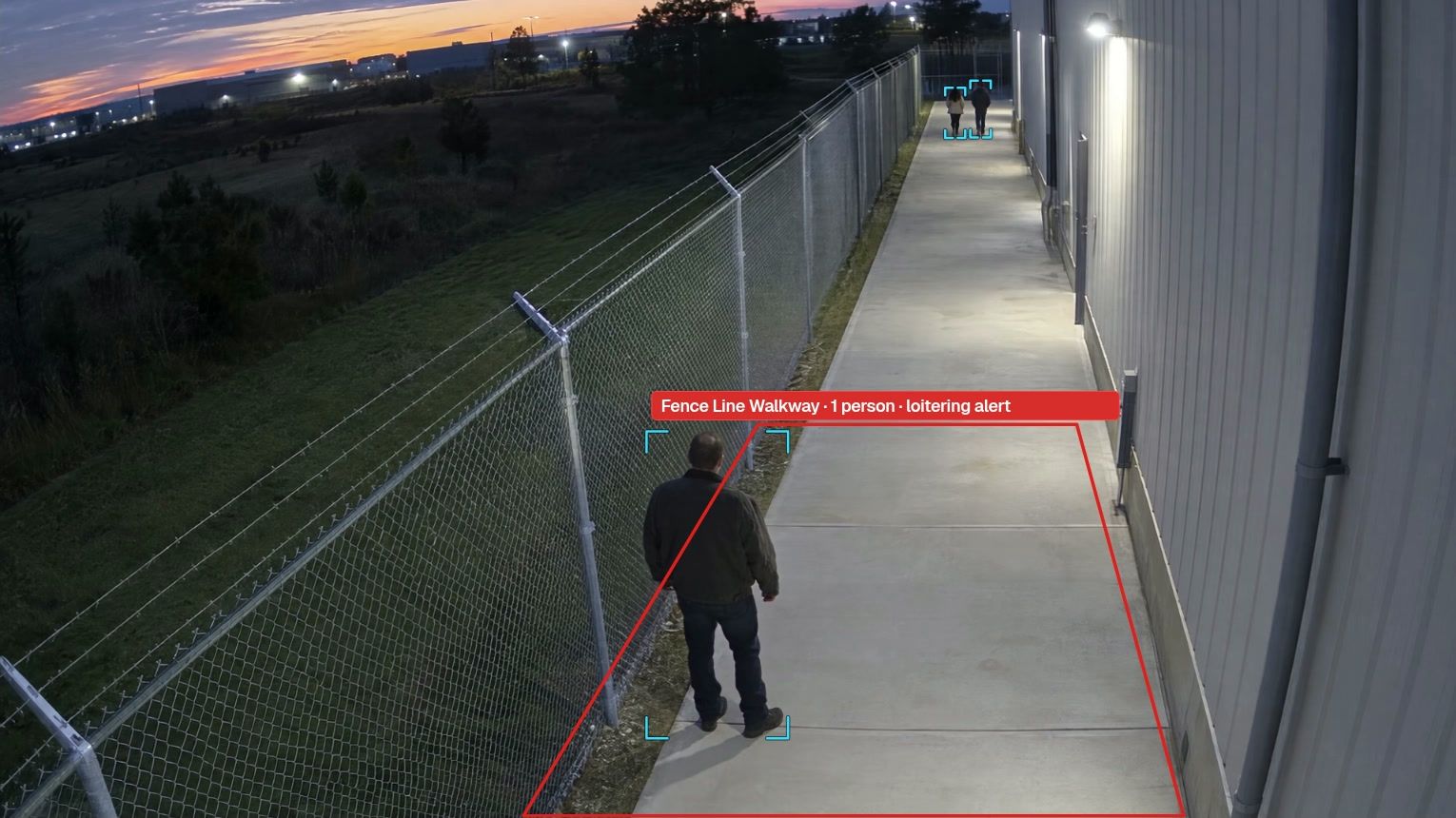
When someone stops in the zone, it turns amber: possible loitering, worth a glance. If they are still there when your time limit is reached, it turns red: a loitering alert, worth acting on, and it can reach the security team by SMS. Passers-by in the same zone trigger neither.
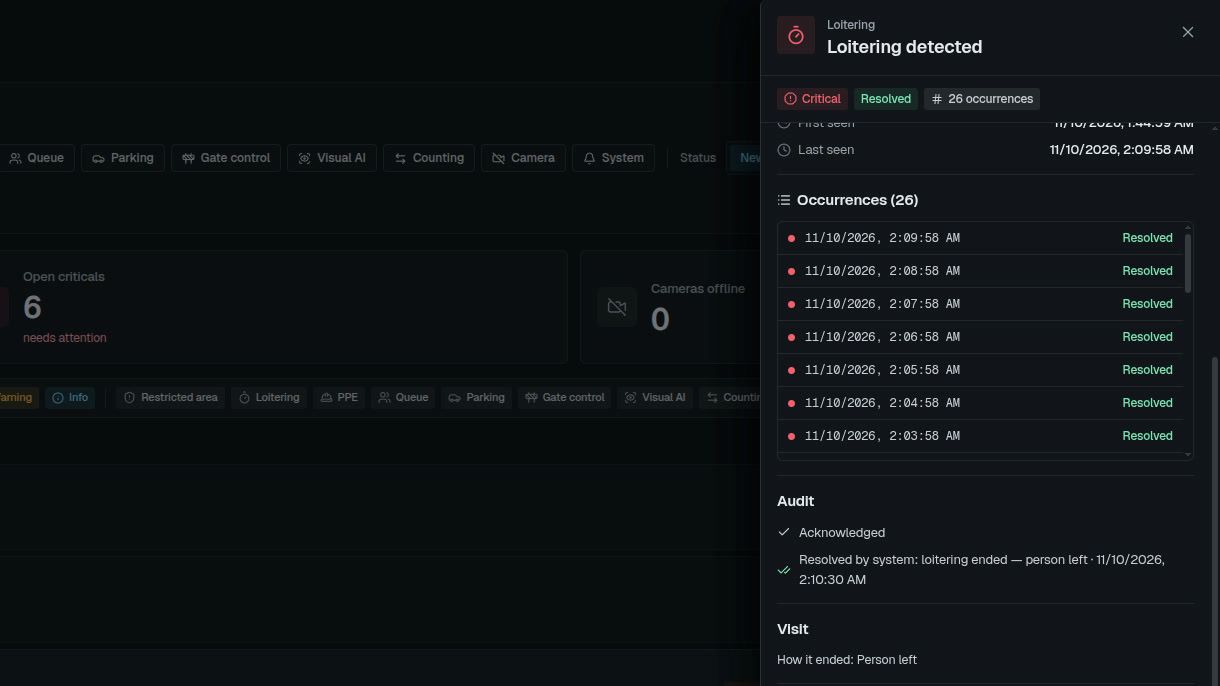
Open an alert to see when it was first and last seen, every repeat, who acknowledged it and how the visit ended, for example “person left”. Once the person has gone, the system closes the alert itself.
Our approach
A perimeter camera sees many people who are simply passing. AI Watch watches how long each person stays in the zones you draw and flags only those who stay — first a warning, then an alert. People are detected, never identified: there is no face recognition, and everything runs on one server on site.
The challengeSomeone hangs around the fence line after dark.
With AI WatchA loitering zone along the fence: a warning when they stop, an alert if they stay.
The challengeGuards can’t watch every perimeter camera all night.
With AI WatchOnly people who stay are flagged; passers-by don’t raise alerts, and alerts can go out by SMS with no internet.
The challengeNobody knows which spots attract lingering.
With AI WatchReports rank the areas by lingering incidents and show when they happen, with heatmaps of where people spend time.
The challengeAn alert without context is hard to follow up.
With AI WatchEvery alert keeps its times, its repeats, who acknowledged it and how it ended.
In the software
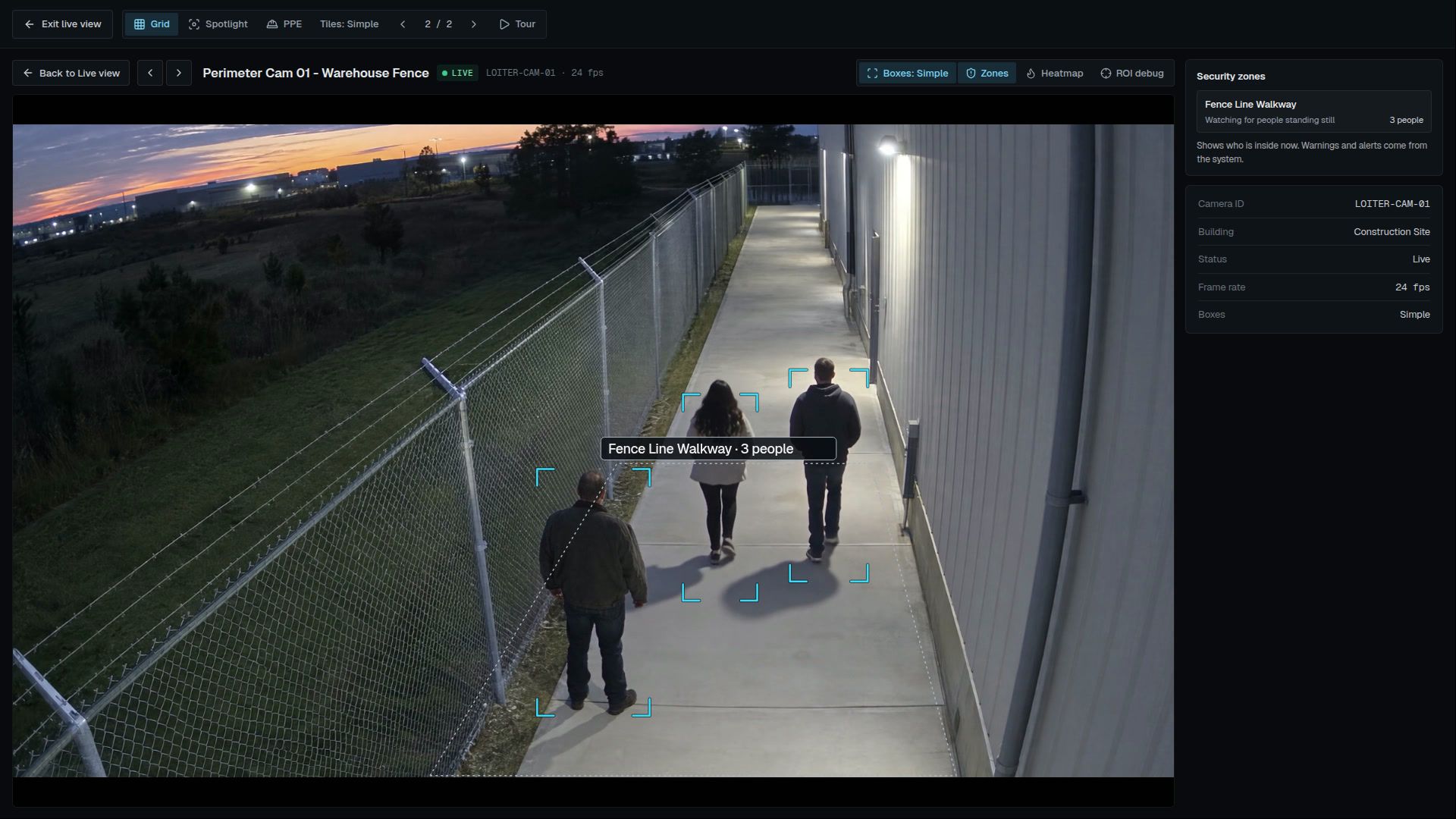
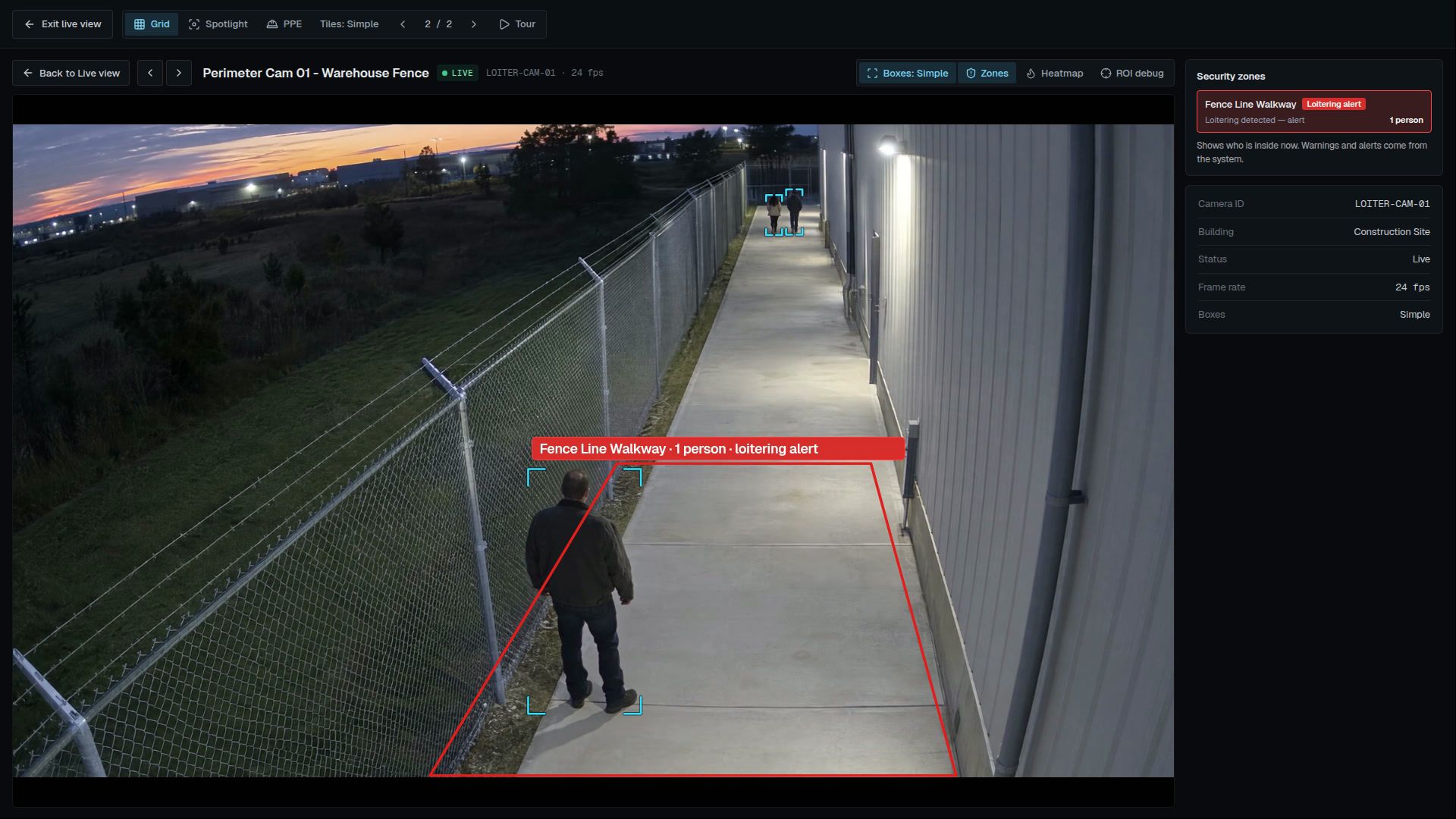
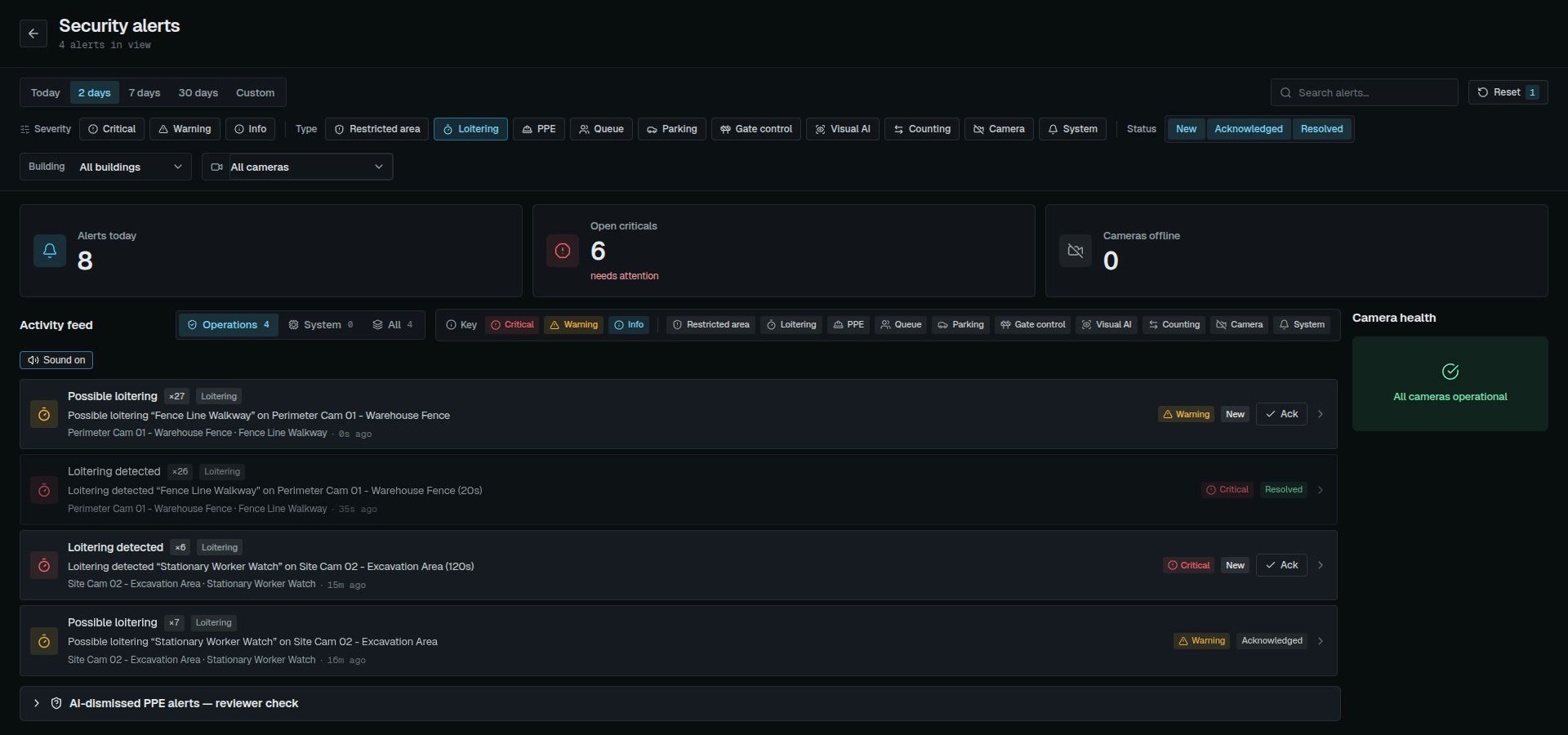
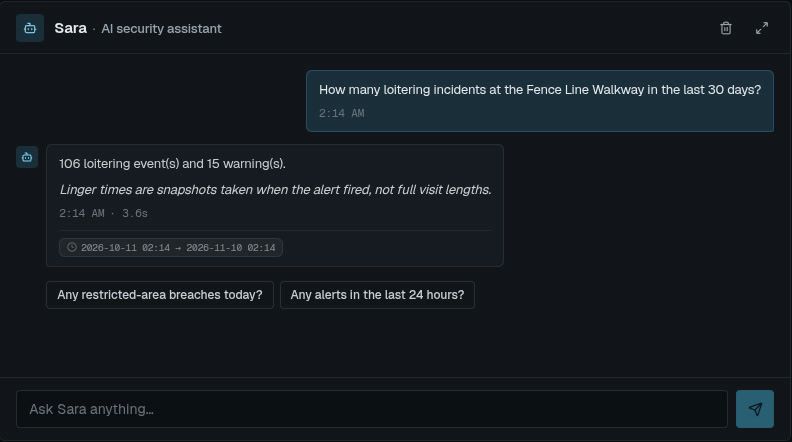
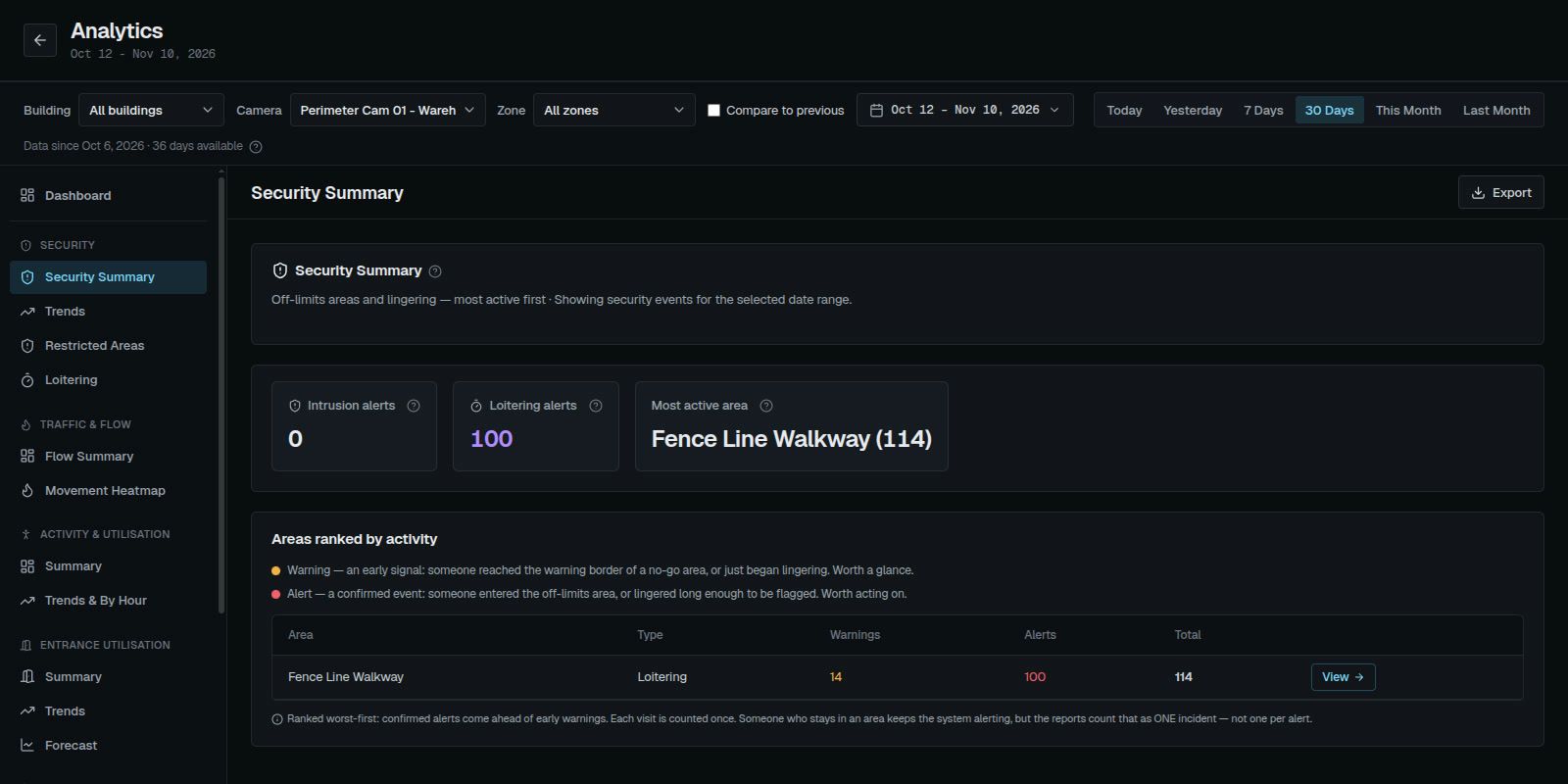
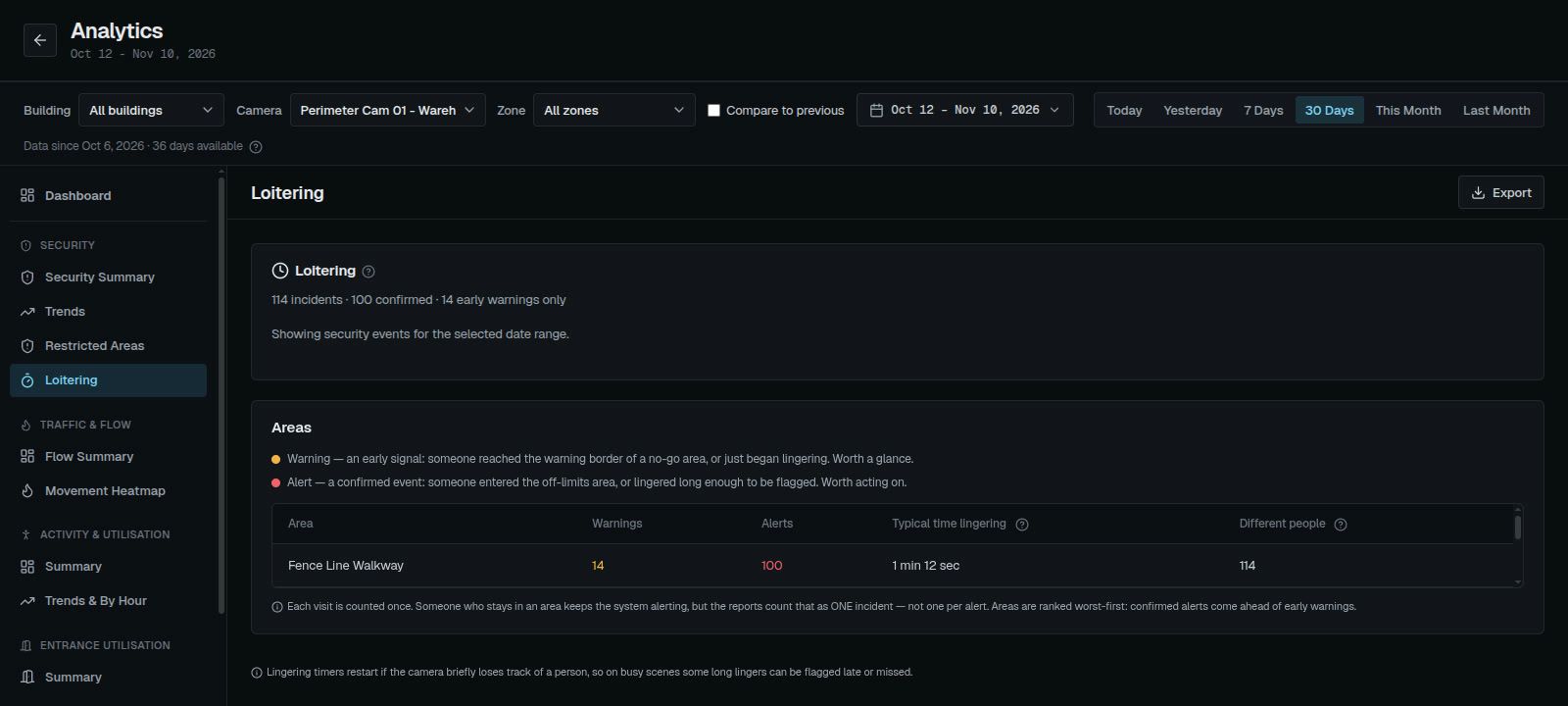
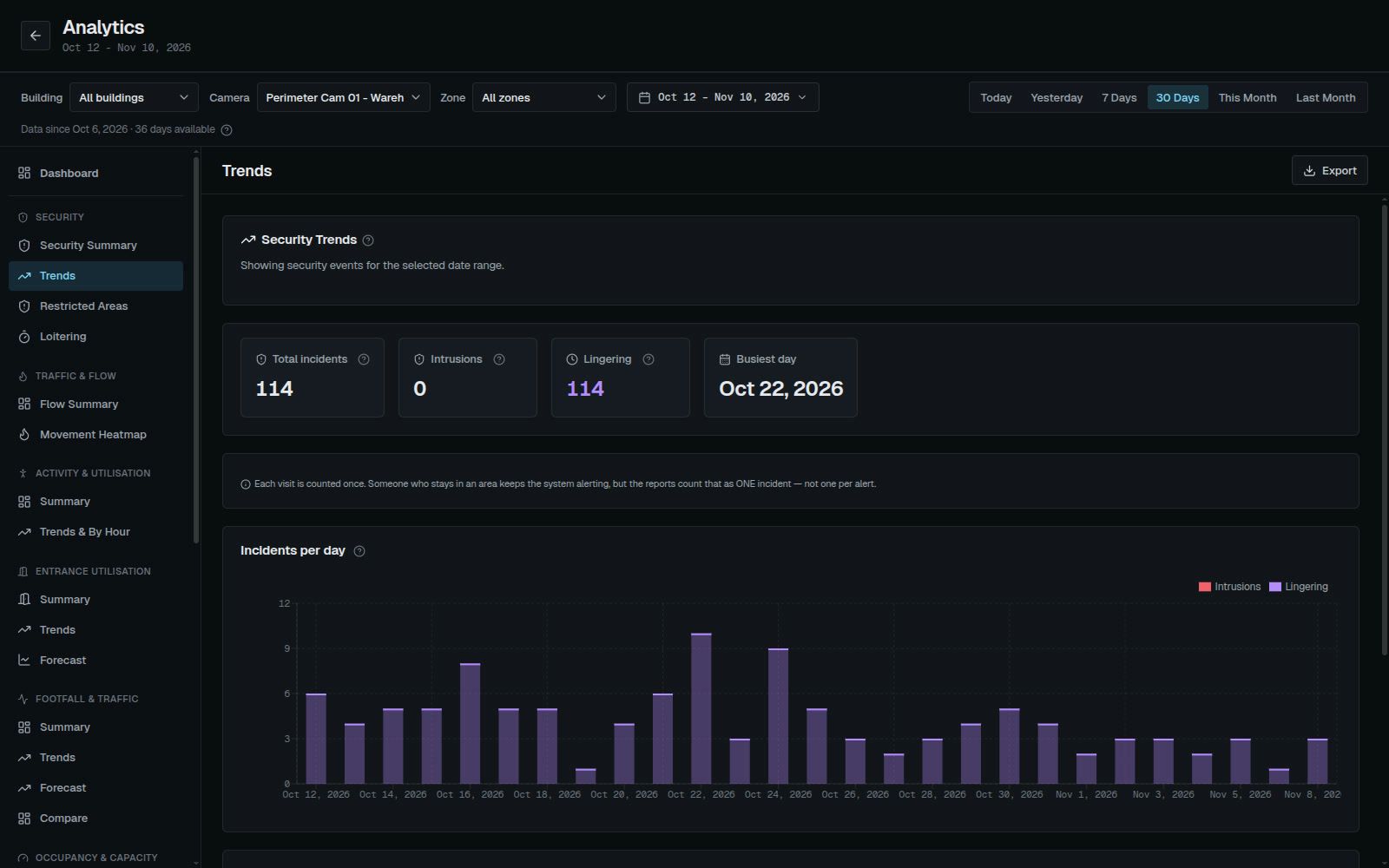
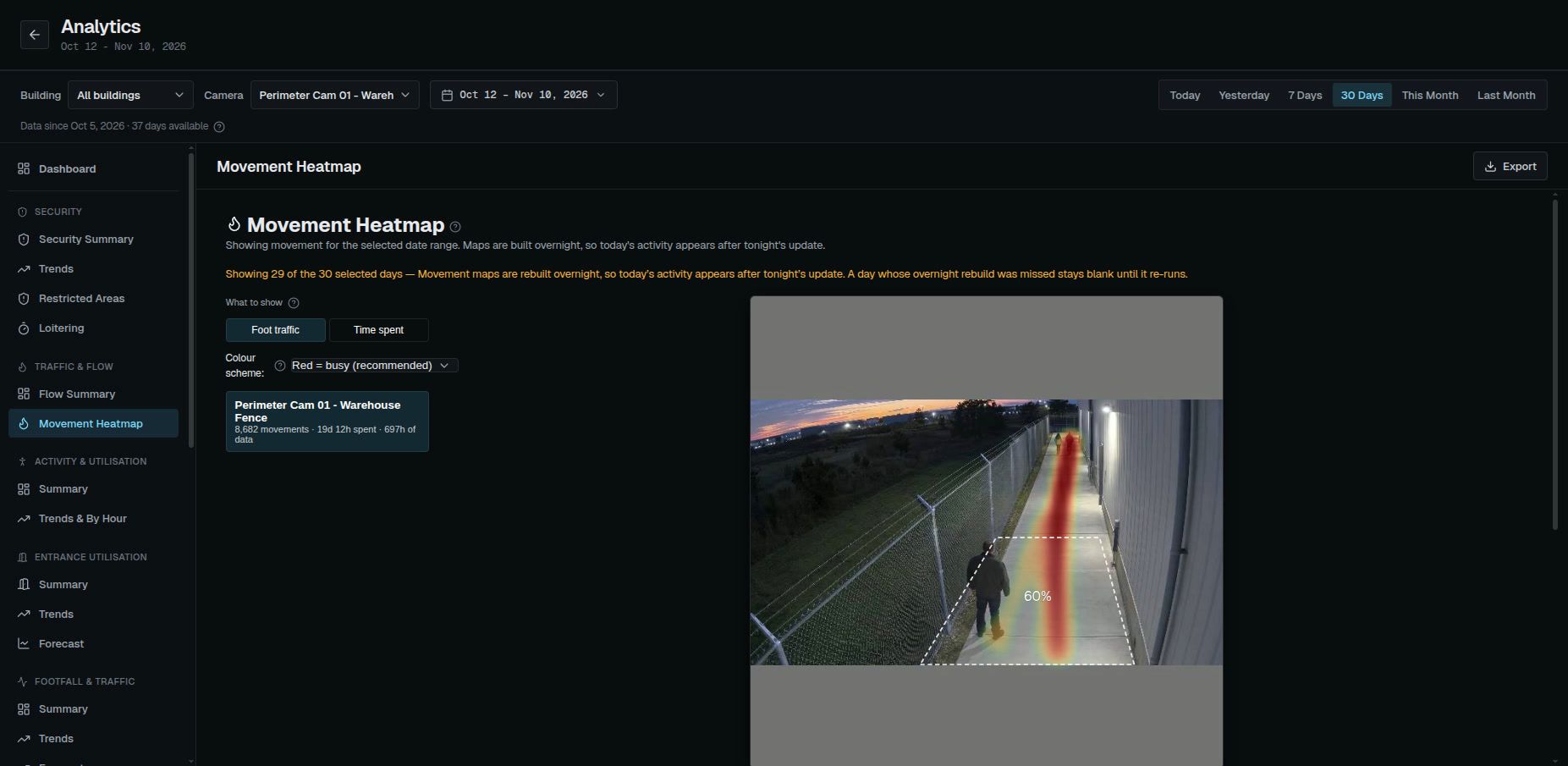
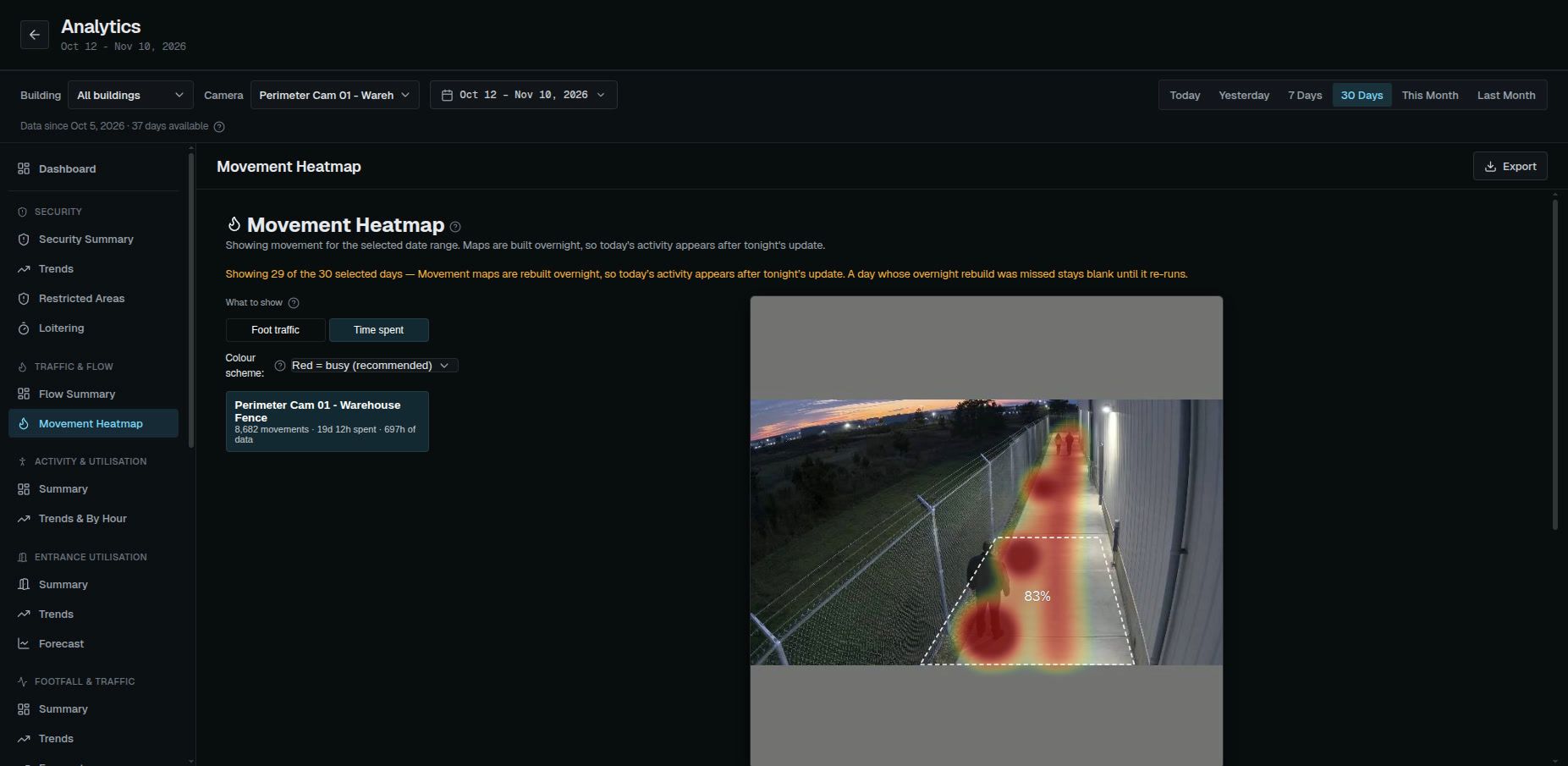
Real AI Watch screens. Only the camera footage is AI-generated, for the demo and for privacy — every detection, count and alert is produced by the software.
Capabilities
In practice
Illustrative examples of how the modules work together.
Possible loitering first; if they stay, a loitering alert reaches the security team.
They are seen in the zone but not flagged, so the feed stays quiet.
The alert shows every repeat, who acknowledged it and how it ended: the person left.
Sara answers with the loitering incidents and warnings for that zone, by its name.
More use cases
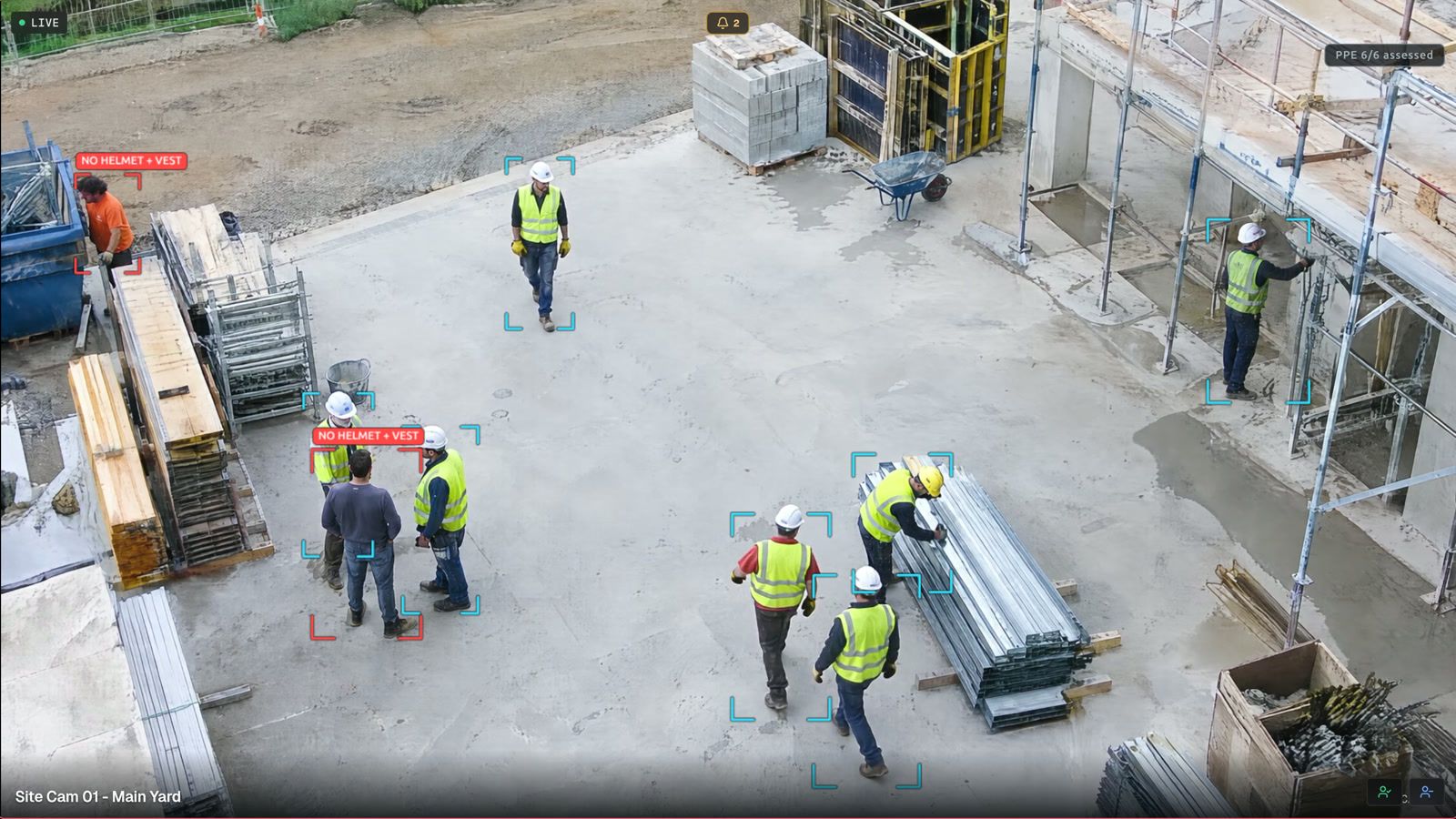
Helmet and vest checks with evidence photos
Learn more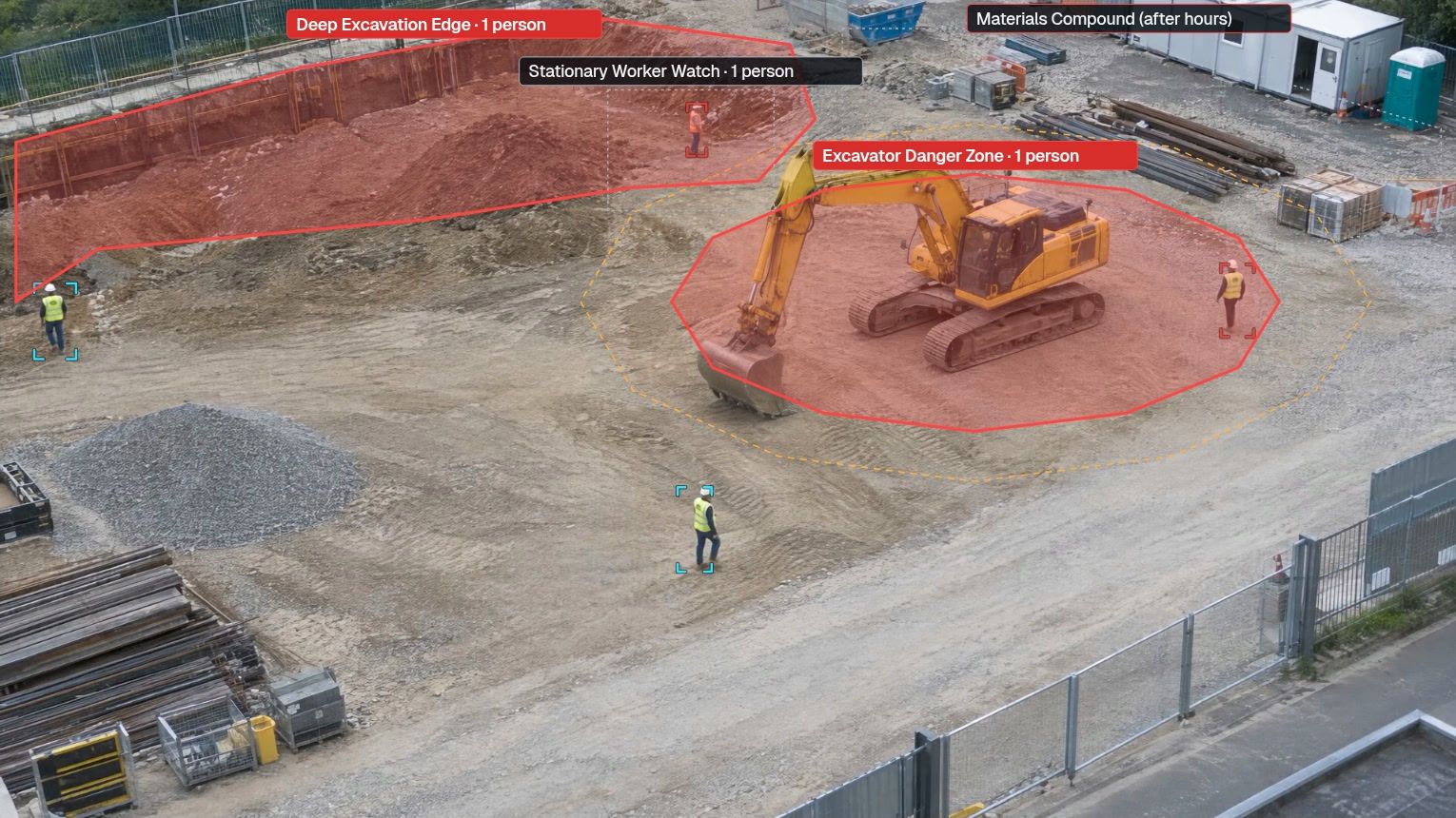
Warnings, alerts and after-hours zones
Learn more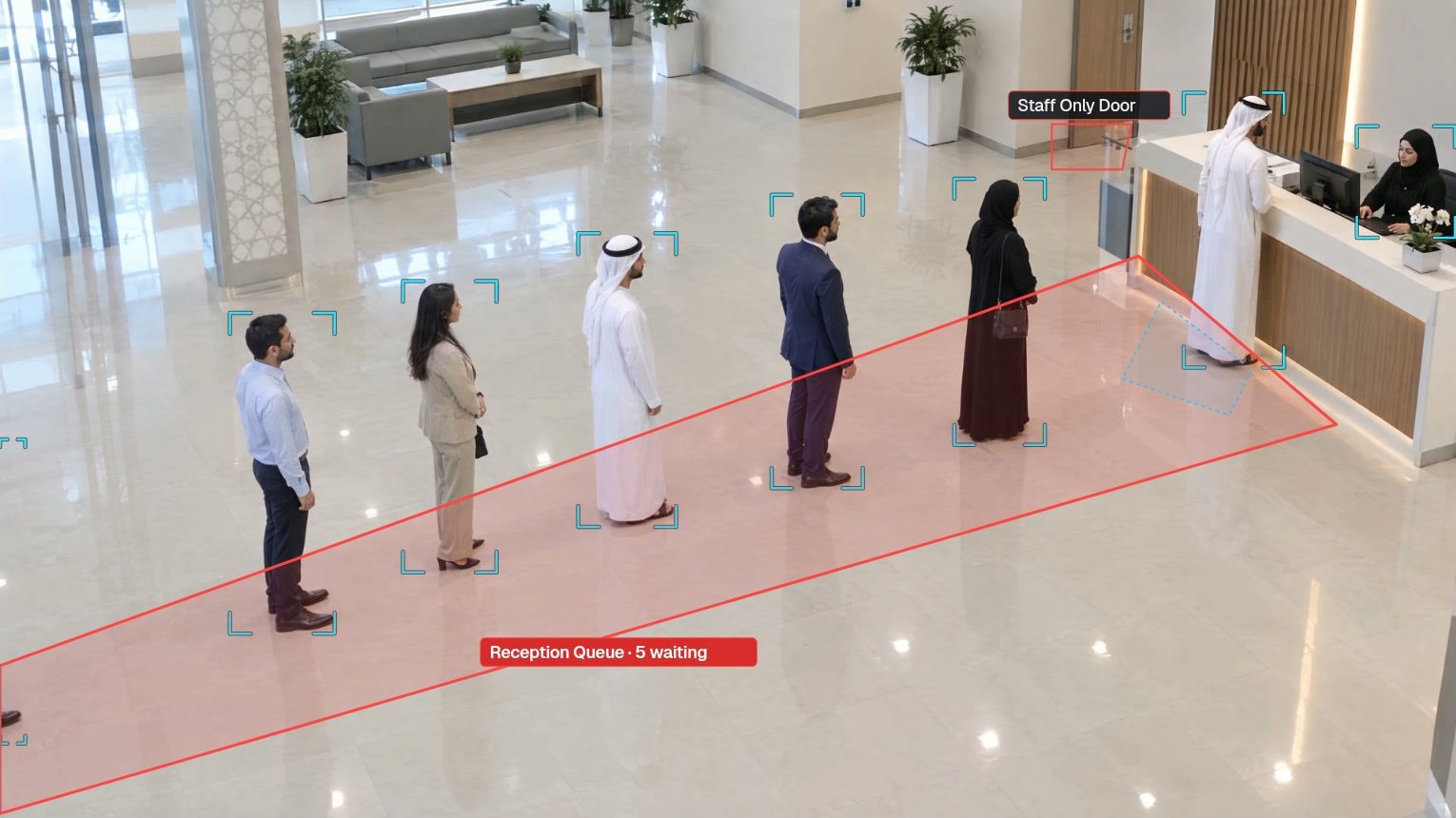
Queue length, wait times, forecasts
Learn more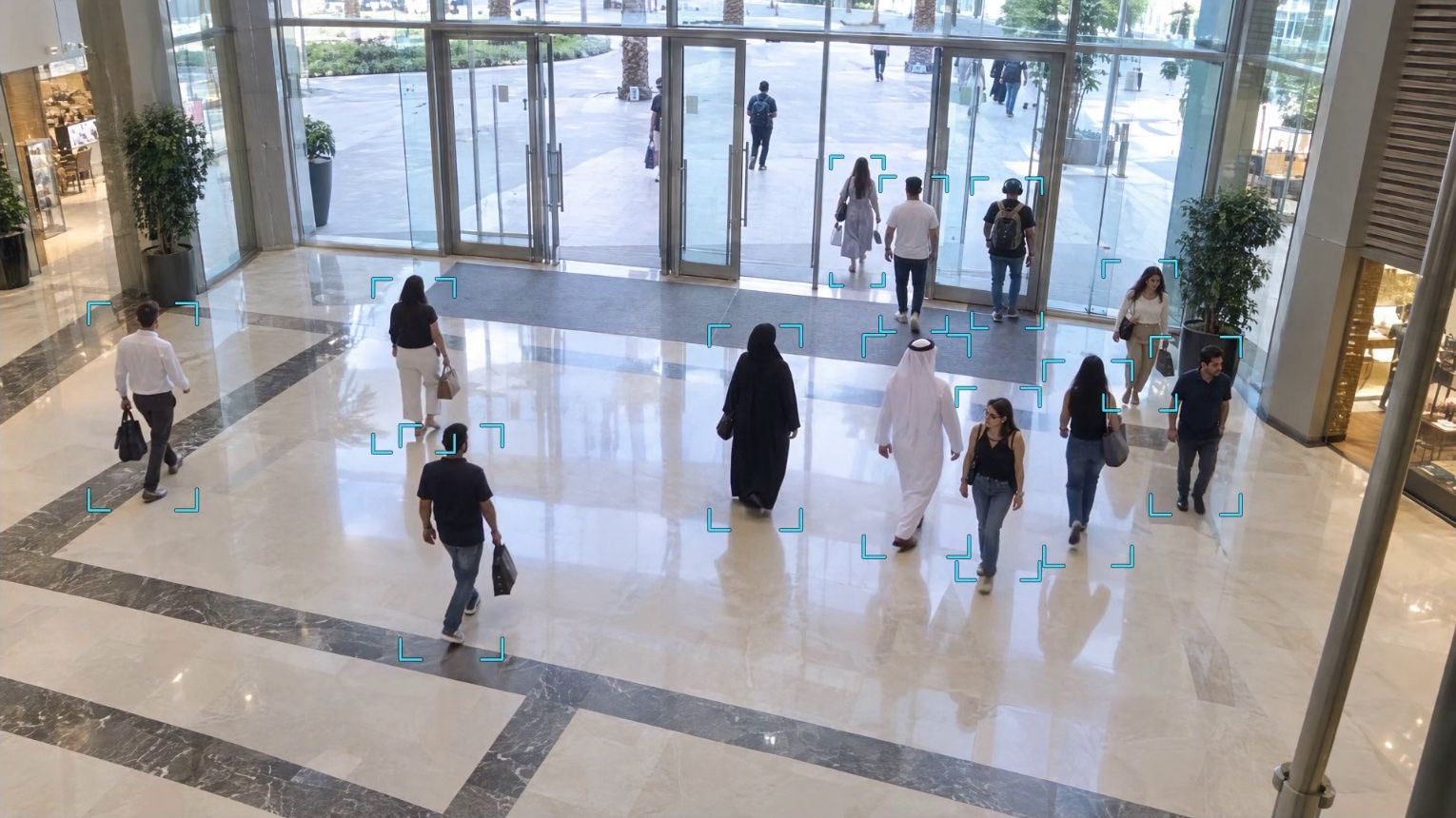
Footfall, occupancy, busiest hours
Learn more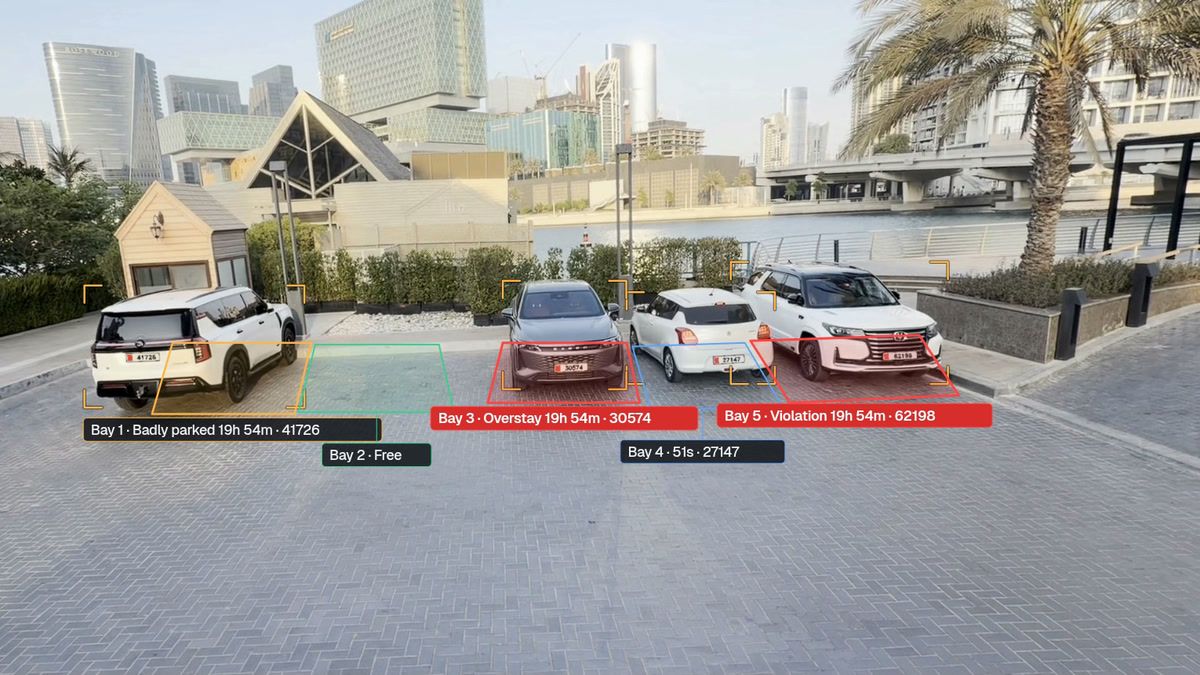
Free bays, permits, plates, overstays
Learn moreReady to start?
We’ll show you AI Watch on scenes like yours and talk through what your site needs.
We would like to use Google Analytics cookies to understand how visitors use this site. No data is sent to Google unless you agree. Privacy policy